The short version
This is a free hobby project. I built it carefully, but I am one person, not a company. Keep your own copies
of anything you would hate to lose, be thoughtful about information involving other people — especially living
relatives — and do not treat it as a secure vault. The rest of this page is the longer, more careful version
of that.
About ChronosTree
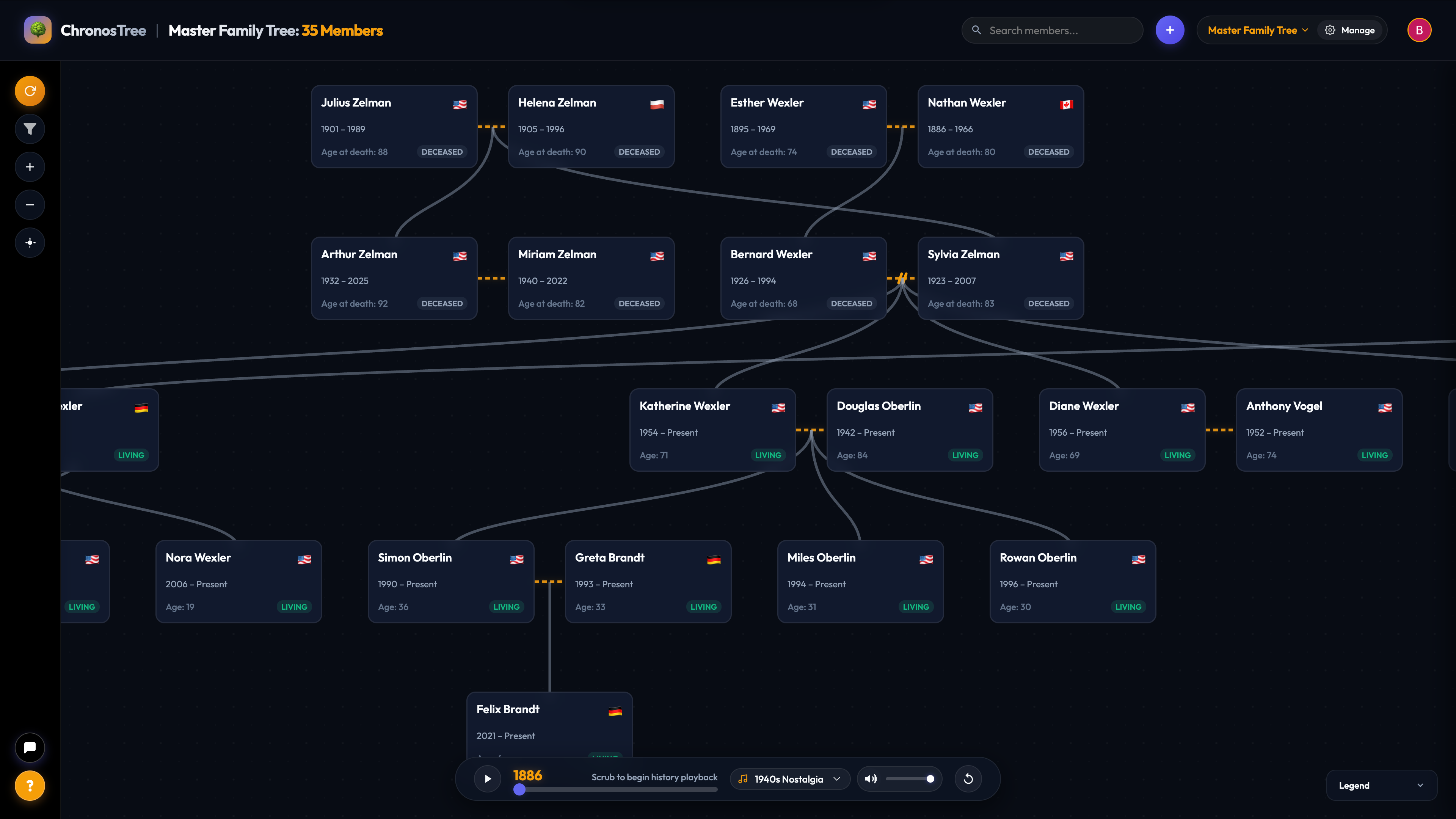
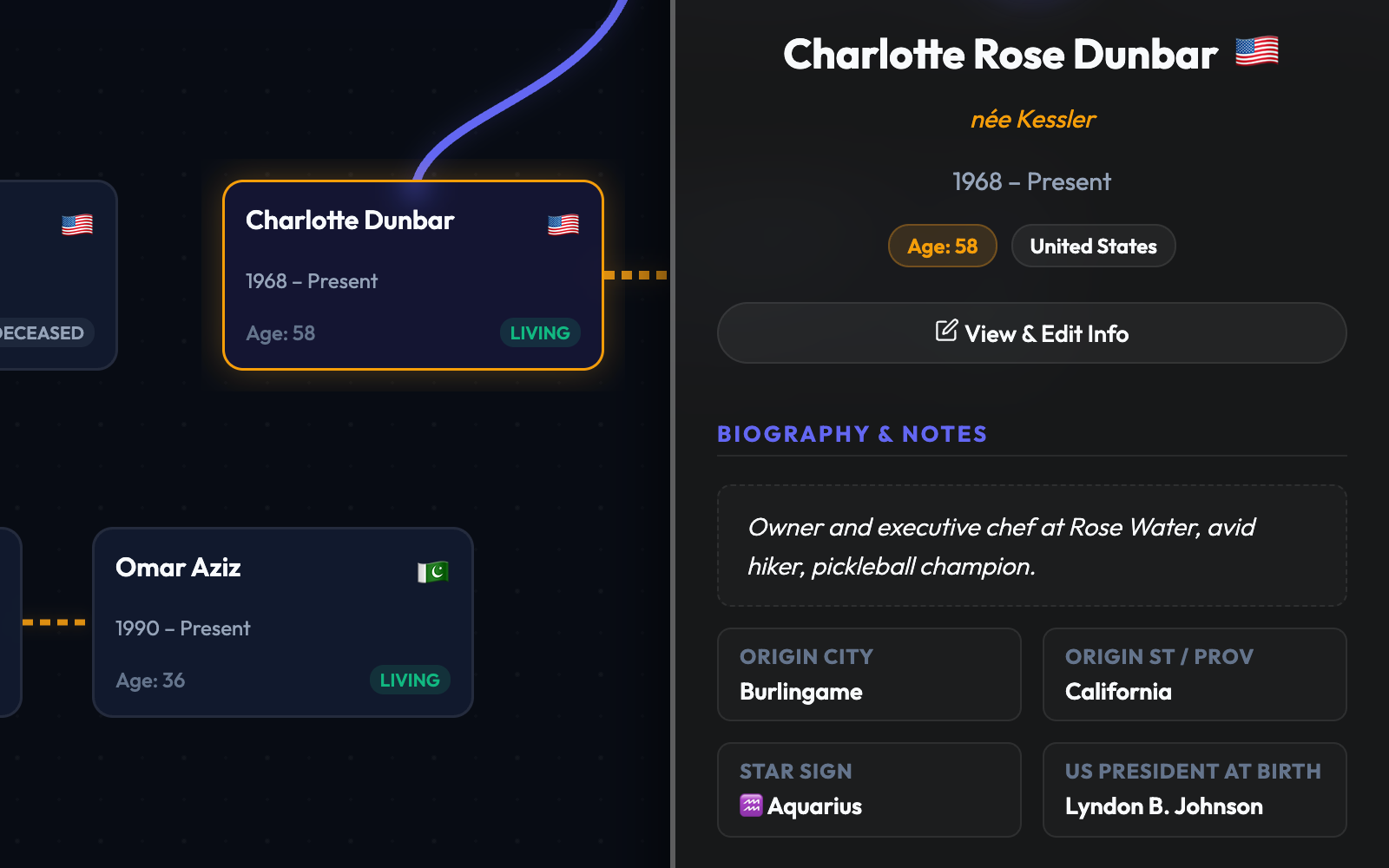
ChronosTree is a free hobby app that lets people build, preserve, and share family trees, including names,
relationships, dates, biographical notes, photographs, and documents. It is provided without charge,
advertising, subscriptions, or donations, and it is not a professional genealogy, archival,
records-management, or secure document-storage service. By signing in, you agree to the terms on this page.
Accounts and eligibility
ChronosTree uses Google for account sign-in. It does not create or store a separate ChronosTree password and
does not receive your Google password.
You must be at least 18 years old to create an account. An adult account holder may include information about
younger family members when doing so lawfully and responsibly. You are responsible for protecting access to
your Google account and for activity performed through your ChronosTree account.
Your content and responsibilities
You retain ownership of the family-tree information, photographs, and documents you add. You give ChronosTree
a limited permission to store, process, back up, and display your content solely to provide, secure, and
operate the service — including displaying it to viewers and editors you authorize and processing optional AI
requests.
You are responsible for the content you upload and the people you invite. Specifically, you agree to:
- Upload responsibly: Only post material you have the legal right to share. Do not include
sensitive information (such as Social Security or identity document numbers) anywhere in the service.
- Respect living relatives: Exercise reasonable judgment and respect privacy when adding
information about living family members.
- Manage access: You are responsible for choosing who may view or edit your trees and
reviewing edits made by collaborators you invite.
- Maintain backups: Keep your own independent copies of photos, media, and tree data.
ChronosTree does not determine which version of a family history is correct and is not responsible for
resolving family disputes.
Sensitive information
ChronosTree is not a secure vault. Do not upload or enter Social Security, taxpayer-identification, passport,
or driver's-license numbers; passwords or authentication credentials; complete financial-account or
payment-card information; unredacted identity documents; highly sensitive medical, financial, or legal
records; malware; or anything you do not have the legal right to possess, copy, or share.
Because ChronosTree includes free-text fields and file uploads, I cannot review everything users enter. The
absence of a dedicated field for sensitive information does not make it appropriate to put that information
somewhere else in the service.
Sharing and collaborators
Tree owners may invite others as viewers or editors. Viewers see information made available to them; editors
may add, change, or delete information within the permissions the service provides. Tree owners are
responsible for deciding whom to invite and which role to assign.
An authorized viewer may copy information, save a file, or take a screenshot. ChronosTree cannot prevent
someone from retaining information they were legitimately permitted to view, and I am not responsible for
changes, deletions, or disclosures made by a person whom a tree owner authorized.
Information ChronosTree collects and how it is used
When you sign in, ChronosTree receives basic Google account information — typically an account identifier,
your name, email address, and profile image — used to identify your account, sign you in, and manage ownership
and sharing permissions.
ChronosTree stores what users add: names, dates, relationships, locations, and biographical information;
photographs and documents; tree ownership, sharing invitations, and roles; account preferences; and records
needed for security, troubleshooting, and service operation.
ChronosTree is hosted through Cloudflare and uses Google Firebase services, including authentication,
Firestore, and file storage. These providers may process IP address and approximate location; browser, device,
and operating-system information; login, request, and activity information; security, performance, and error
logs; and cookies, local storage, or similar technologies needed for authentication, security, analytics, and
site operation. Cloudflare Web Analytics does not use cookies.
All of this is used only as reasonably necessary to run the service: authenticating users, storing and
displaying trees, applying owner, viewer, and editor permissions, providing requested AI features and exports,
protecting accounts and investigating misuse, diagnosing problems, communicating important service
information, and complying with legal obligations.
ChronosTree does not use advertising cookies or cross-site behavioral tracking, does not sell personal
information, does not show behavioral advertising, and does not share user content with advertisers. Because
of this, it does not respond differently to browser "Do Not Track" signals.
AI features
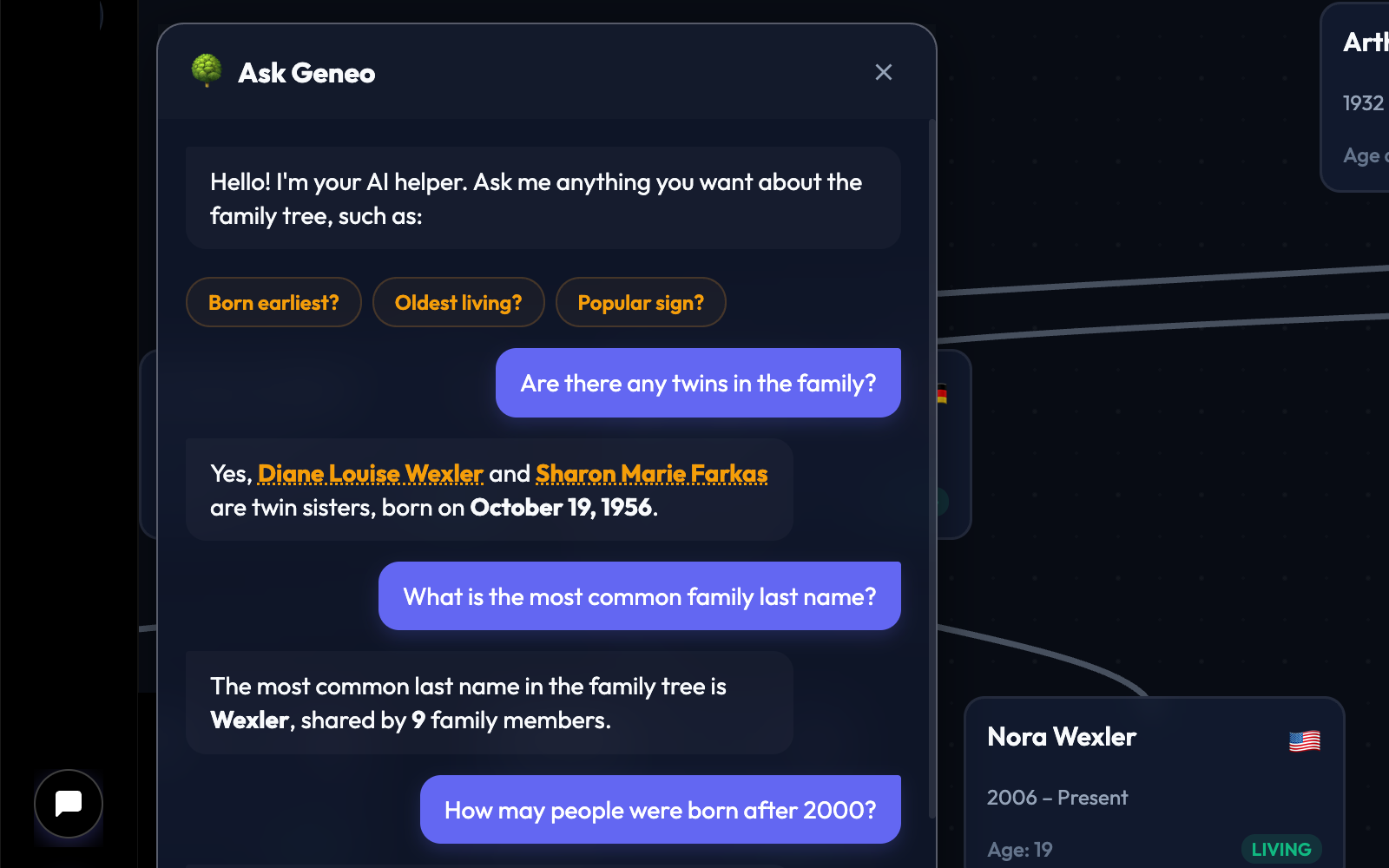
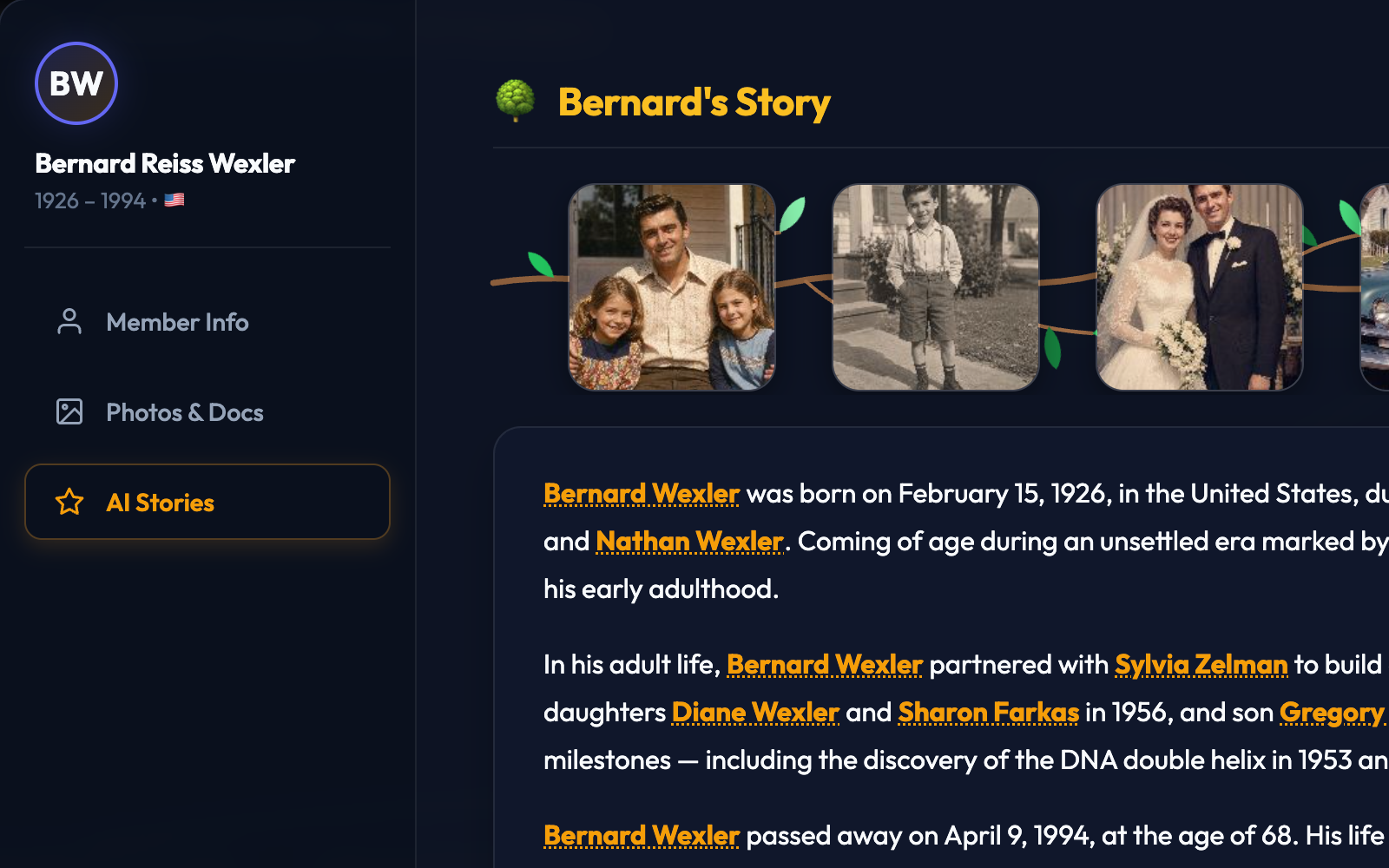
ChronosTree offers optional AI features powered by the Google Gemini API, which can answer questions about a
family tree or generate stories from it. When you use one, ChronosTree sends Google the information needed to
process the request — depending on the feature, this may include your prompt and names, dates, relationships,
biographical details, and other text from the relevant tree. Uploaded photographs and documents are not
intentionally sent unless a feature clearly states that they will be.
ChronosTree uses a billing-enabled Gemini API project. Under Google's current terms for paid services, Google
does not use prompts or responses to improve its products, but may temporarily retain them to provide and
secure the service, detect misuse, enforce its policies, and comply with legal obligations. Content flagged by
Google's safety systems may be reviewed by authorized personnel.
AI-generated answers and stories may be inaccurate, incomplete, or fictionalized. Treat them as entertainment
and convenience, not authoritative family-history records, and do not use them with highly sensitive
information or information you do not have the right to share with a service provider.
When information may be shared
Beyond viewers and editors you authorize, information may be shared with the service providers needed to
operate and secure the site, including Cloudflare, Google Firebase, and Google Gemini; when reasonably
necessary to investigate fraud, abuse, security problems, or violations of these terms; when required by law
or valid legal process; or to protect the rights, safety, or security of users, other people, or the service.
Service providers process information under their own terms, and data may be processed in the United States or
elsewhere.
I do not access private tree content casually. Limited access may be necessary to provide requested support,
investigate a technical or security problem, respond to an abuse or privacy report, or comply with law.
Security
I have made reasonable efforts to protect ChronosTree through account authentication and access controls, but
no online system can guarantee complete security, uninterrupted availability, or permanent preservation. You
should not treat ChronosTree as the only copy of information that is important to you. Please report suspected
unauthorized access or security problems promptly using the contact information below.
Exporting and deleting information
You can export your tree data to a JSON file at any time. Because exports primarily store tree structure and
text, you should always keep original copies of uploaded photographs and documents elsewhere.
You can delete information using in-app controls or contact support to request full account deletion.
Deleting your account stops future sign-ins, but residual data may remain temporarily in backup system logs,
and content you contributed to a tree owned by someone else will remain part of that tree.
Service changes and shutdown
ChronosTree is a hobby project with minimal operating costs. I hope to keep it available for many years, but
I cannot promise permanent operation, permanent storage, or any particular feature, and I may change, limit,
suspend, or discontinue the service.
Except when immediate action is required because of a legal, security, abuse, financial, or technical
problem, I will make a reasonable effort to give advance notice of a permanent shutdown and an opportunity to
export tree data. Users remain responsible for maintaining their own exports and copies.
Removing content and reporting problems
I may remove content or restrict, suspend, or terminate access when I reasonably believe it is necessary to
protect users or the service; address unlawful, infringing, harmful, or abusive content; respond to a privacy
or copyright complaint; prevent unauthorized access or technical harm; or comply with legal requirements.
If you believe content on ChronosTree infringes your copyright, or you have a complaint about privacy,
impersonation, or other content, please write to the contact address below with enough detail to identify the
material and where it appears. I review these reports promptly and remove or restrict content where
appropriate.
Warranties, liability, and governing law
CHRONOSTREE IS PROVIDED "AS IS" AND "AS AVAILABLE." TO THE FULLEST EXTENT PERMITTED BY LAW, THE DEVELOPER
EXPRESSLY DISCLAIMS ALL WARRANTIES AND SHALL NOT BE LIABLE FOR ANY INDIRECT, INCIDENTAL, CONSEQUENTIAL, OR
PUNITIVE DAMAGES, LOSS OF DATA, OR UNAUTHORIZED ACCESS RESULTING FROM YOUR USE OF THE SERVICE.
These terms are governed by the laws of the State of California, without regard to its conflict-of-laws
rules. Any dispute arising from these terms or your use of the service will be brought exclusively in the
state or federal courts located in California.
Changes
I may update ChronosTree or this notice from time to time. The effective date above will be updated when this
page changes materially, and material changes may also be communicated through the service or by email.
Continued use after a change means the revised terms apply.
Contact
Questions, privacy or deletion requests, copyright complaints, and reports of security or misuse may be sent
to: